- Katılım
- 13 Haziran 2024
- Mesajlar
- 15.715
- Makaleler
- 23
- Çözümler
- 47
- Beğeniler
- 18.539


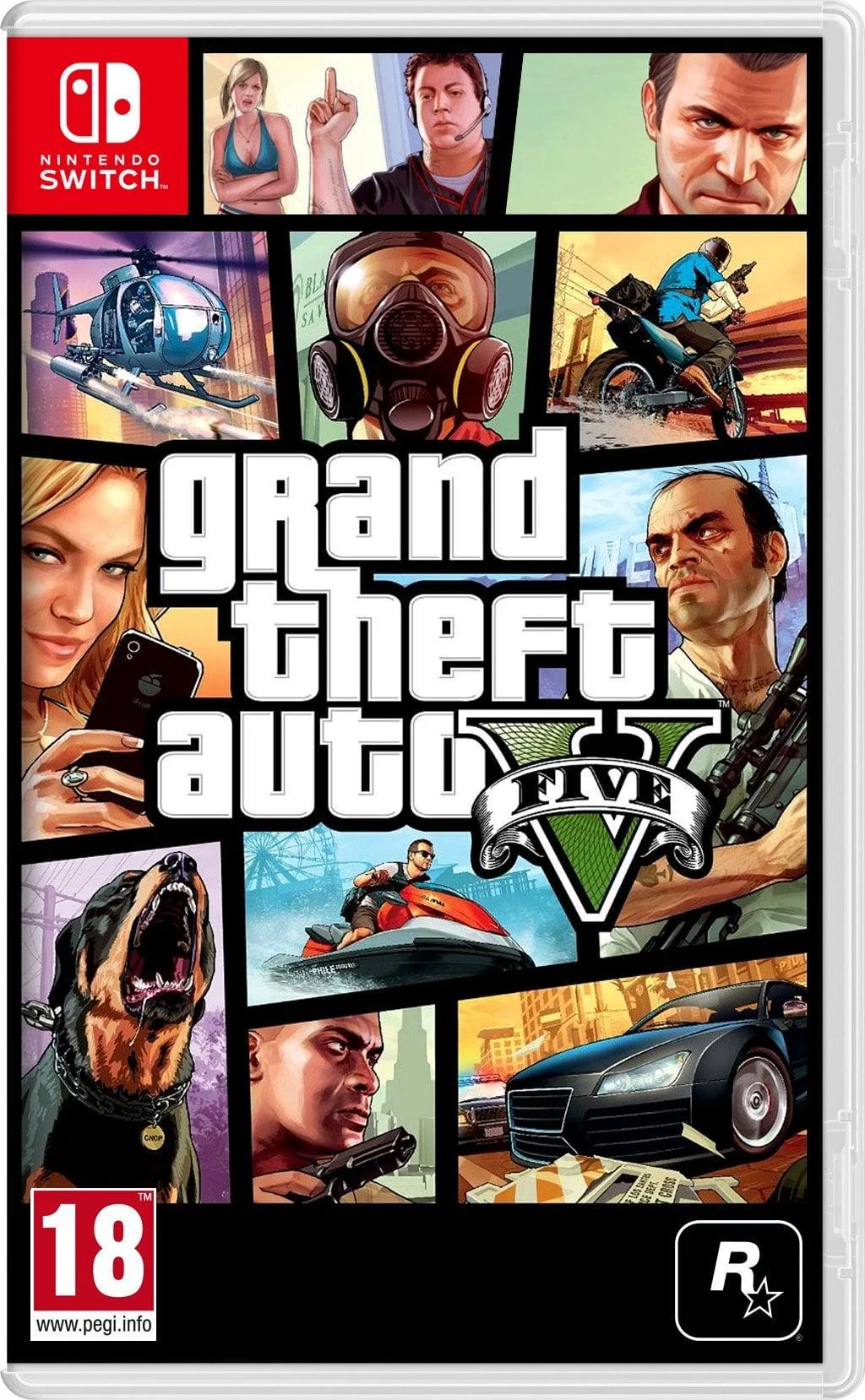
Çipli bir Switch'iniz varsa GTA V'i artık oynayabilirsiniz Switch üzerinden.
Dosyalar:
Gofile — Cloud Storage Made Simple - 52.6 GB.
İndirme talimatları (İngilizce):
Dosyalar:
Gofile — Cloud Storage Made Simple - 52.6 GB.
İndirme talimatları (İngilizce):
Step 1: Transfer the Atmosphere files This folder contains the necessary system files to make the port run.
3.Force English Language: If the game boots in Russian, close it. Open DBI -> go to Installed games viewer -> select GTA V and press A -> press + -> select Force Language -> choose English.
4.Enable Subtitles: In the main menu, press +, then press R (right bumper) 3 times to go to Settings. Press A -> Display -> A -> Subtitles -> A
- Extract the downloaded GTA V files on your PC.
- On your Switch, open DBI in Full RAM Mode (hold the R button while launching any game).
- Select Run MTP responder and connect the Switch to your PC via USB cable.
- On your Windows PC, open "This PC" (or My Computer). You will see your Switch listed as a drive. Open it.
- Go into the folder named 6: SD Card.
- Drag and drop the atmosphere folder (from the extracted GTA V files) directly into the 6: SD Card drive. (If Windows asks to Merge folders or Replace files, click "Yes / Replace all").
- Still on your PC, click the "Back" arrow to return to the main list of the Switch MTP drives.
- Open the folder named 5: MicroSD install.
- Drag and drop the large game file (Grand Theft Auto V (homebrew port) [0100b00b51230000].nsp) into this folder.
- Wait for the installation bar on your Switch screen to reach 100%.
- Once it's done, press X on your Switch to close the MTP responder and unplug the cable.
- Launch GTA V from the Switch home menu.
- As soon as it starts, open the Tesla Menu (press L + D-pad Down + Right Stick click).
- Go to sys-clk and max out all the values (CPU, GPU, and MEM to Maximum).
- Do NOT press the Video Capture button (the square button on the left Joy-Con) while playing. The game will crash instantly.
3.Force English Language: If the game boots in Russian, close it. Open DBI -> go to Installed games viewer -> select GTA V and press A -> press + -> select Force Language -> choose English.
4.Enable Subtitles: In the main menu, press +, then press R (right bumper) 3 times to go to Settings. Press A -> Display -> A -> Subtitles -> A
Son düzenleyen: Moderatör:









 yani yapmak için yapmışlar gibi olmasa da olurmuş lakin Witcher'a falan göre çok daha iyi çizim uzaklığı olması absürt olmuş.