Tantalis
Üstün
- Katılım
- 16 Mayıs 2024
- Mesajlar
- 98
- Beğeniler
- 82


Yok bana mobil yetmez ben PC'den de Instagram kaydıracağım diyenlere özel videoyu ileri geri sarabileceğiniz ufak bir kod. Bunun sayesinde videoda istediğiniz saniyeye gidebilirsiniz.
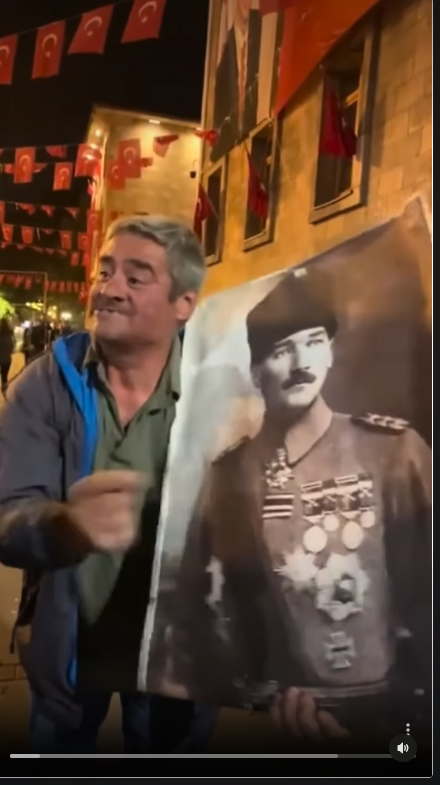
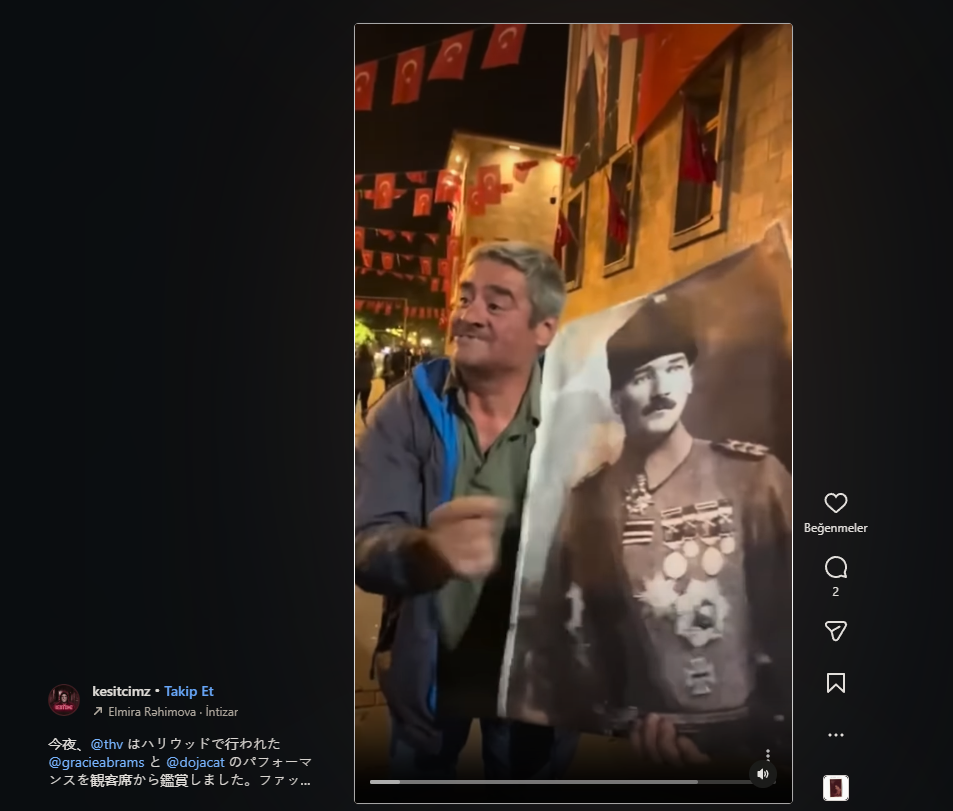
Nasıl eklenir?
1- Öncelikle tarayıcıya Ace Script - Chrome Web Mağazası kurmamız gerekiyor.
2- Ardından eklenti içindeki ayarlardan Create script > Create User Script diyerek kodu girip kaydetmeniz yeterli.
Kod:
Nasıl eklenir?
1- Öncelikle tarayıcıya Ace Script - Chrome Web Mağazası kurmamız gerekiyor.
2- Ardından eklenti içindeki ayarlardan Create script > Create User Script diyerek kodu girip kaydetmeniz yeterli.
Kod:
Kod:
// ==UserScript==
// @name         Instagram Video kontrol
// @description  İnstagram video kontrolü ile ileri  geri sarma yapabilirsiniz.
// @namespace    Insta
// @version      0.0.15
// @author       Tantalis
// @match        *://*.instagram.com/*
// @icon         https://www.google.com/s2/favicons?sz=64&domain=instagram.com
// @grant        GM.addStyle
// @grant        GM.getValue
// @grant        GM.setValue
// @grant        GM_addValueChangeListener
// @license      MIT
// ==/UserScript==

(function() {
    const OPTIONS = {
        REMEMBER_VIDEO_PLAYBACK_RATE: 1,
    };

    const debounce = (func, wait) => {
        let timeout;
        return function (...args) {
            return new Promise(resolve => {
                clearTimeout(timeout);
                timeout = setTimeout(() => {
                    timeout = null;
                    Promise.resolve(func.apply(this, [...args])).then(resolve);
                }, wait);
            });
        };
    };

    const injectStyles = () => {
        const styles = `
            /* 1) İlerletme çubuğunu görünür yap */
            video::-webkit-media-controls,
            video::-webkit-media-controls-panel {
                display: flex !important;
                opacity: 1 !important;
                visibility: visible !important;
            }

            /* 2) Çubuk HARİÇ diğer tüm standart video butonlarını gizle */
            video::-webkit-media-controls-play-button,
            video::-webkit-media-controls-current-time-display,
            video::-webkit-media-controls-time-remaining-display,
            video::-webkit-media-controls-mute-button,
            video::-webkit-media-controls-volume-slider,
            video::-webkit-media-controls-fullscreen-button,
            video::-webkit-media-controls-toggle-closed-captions-button,
            video::-webkit-media-controls-menu-button {
                display: none !important;
            }

            /* 3) BÜYÜK TEMİZLİK: Instagram'ın şeffaf perdelerini ve tıklama emen boş buton konteynerlerini del! */
            /* Tasarımı bozmamak için position veya z-index KULLANMIYORUZ. */
            div[data-instancekey],
            div[data-interactable],
            div[role="button"],
            div[role="dialog"] {
                pointer-events: none !important;
            }

            /* 4) NOKTA ATIŞI: Sadece gözle görülen ikonları (svg), yazıları (span), linkleri (a) ve VİDEOYU tıklanabilir yap. */
            /* Sen ikona tıklarsın, tıklama dışarıdaki butona iletilir (Event Bubbling). Boş şeffaf alanlar ise videoya geçer! */
            svg,
            img,
            a,
            [role="slider"],
            span[dir="auto"],
            video {
                pointer-events: auto !important;
            }
        `;

        GM.addStyle(styles);
    };

    const setControls = async () => {
        document.querySelectorAll('video:not([controls])').forEach(video => {
            video.setAttribute('controls', 'true');

            if (location.pathname.startsWith('/stories/')) {
                video.style.height = 'calc(100% - 62px)';
            }
        });
    };

    const savePlaybackRate = async (event) => {
        GM.setValue('commonPlaybackRate', event.target.playbackRate);
    };

    const setEventHandlers = () => {
        document.querySelectorAll('video:not([data-controllable])').forEach(video => {
            video.dataset.controllable = "true";
            video.addEventListener('ratechange', savePlaybackRate);
        });
    };

    const setVideosPlaybackRate = (playbackRate) => {
        document.querySelectorAll('video').forEach(video => {
            video.playbackRate = playbackRate || 1;
        });
    };

    const setInitialPlaybackRate = async () => {
        const playbackRate = await GM.getValue('commonPlaybackRate');
        setVideosPlaybackRate(playbackRate);
    };

    const listenPlaybackChanges = () => {
        GM_addValueChangeListener('commonPlaybackRate', (key, oldRate, newRate) => {
            if (oldRate !== newRate) {
                setVideosPlaybackRate(newRate);
            }
        });
    };

    const main = () => {
        if (OPTIONS.REMEMBER_VIDEO_PLAYBACK_RATE) {
            setEventHandlers();
            setInitialPlaybackRate();
            listenPlaybackChanges();
        }

        setControls();
    };

    const init = () => {
        main();
        injectStyles();

        const debouncedHandler = debounce(main, 1000);
        const observer = new MutationObserver(debouncedHandler);

        observer.observe(document.body, {
            childList: true,
            subtree: true,
        });
    }

    init();
})();
Son düzenleyen: Moderatör: